Using HINATA
HINATA can be used in many ways, not only as a game card reader.
Connect the Card Reader
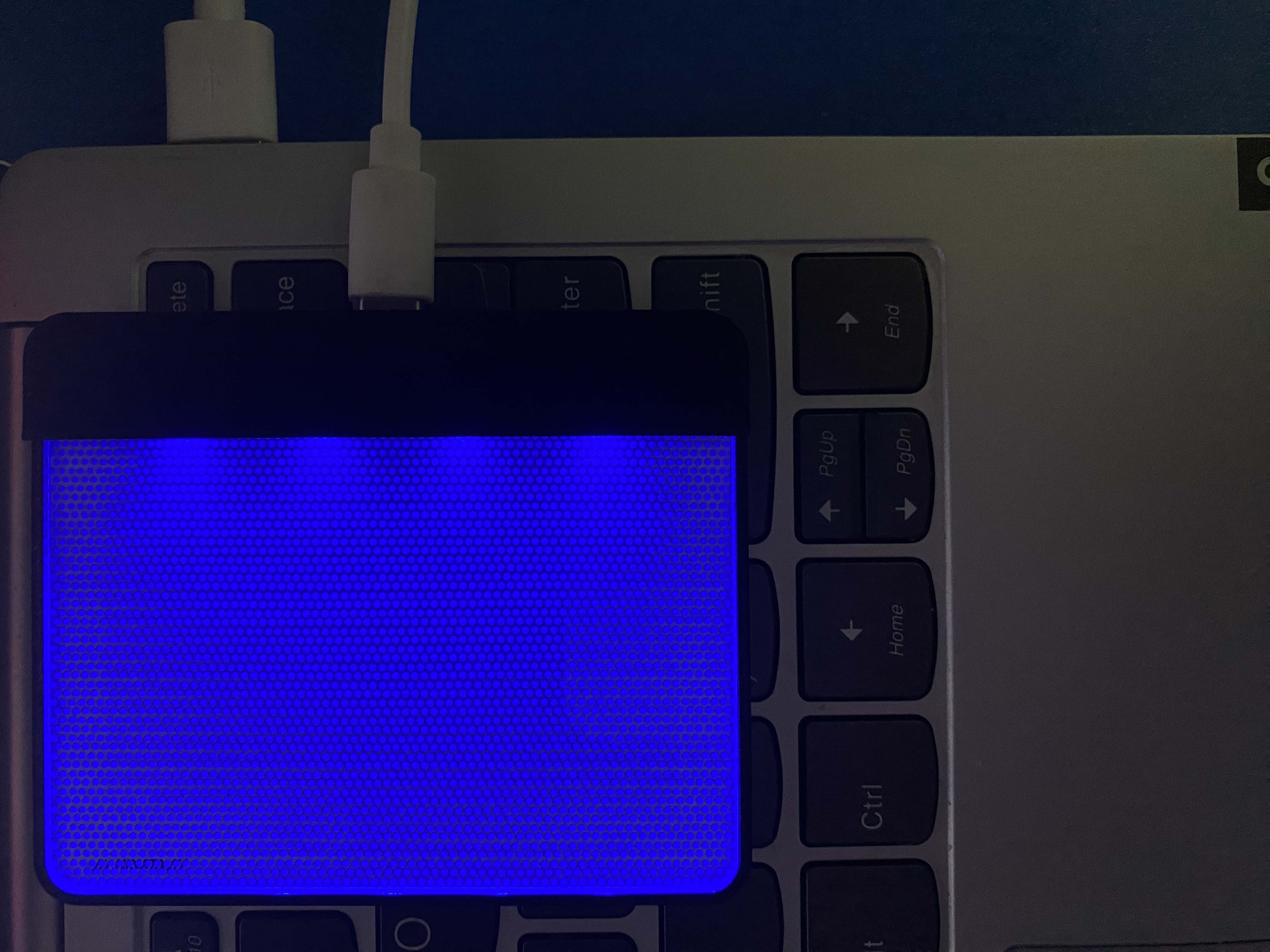
Use a data cable to connect HINATA to a Windows, macOS, Android, Linux, or other supported device.
(Important) Test the Card Reader
For future use, please make sure to test the card reader before using it formally.
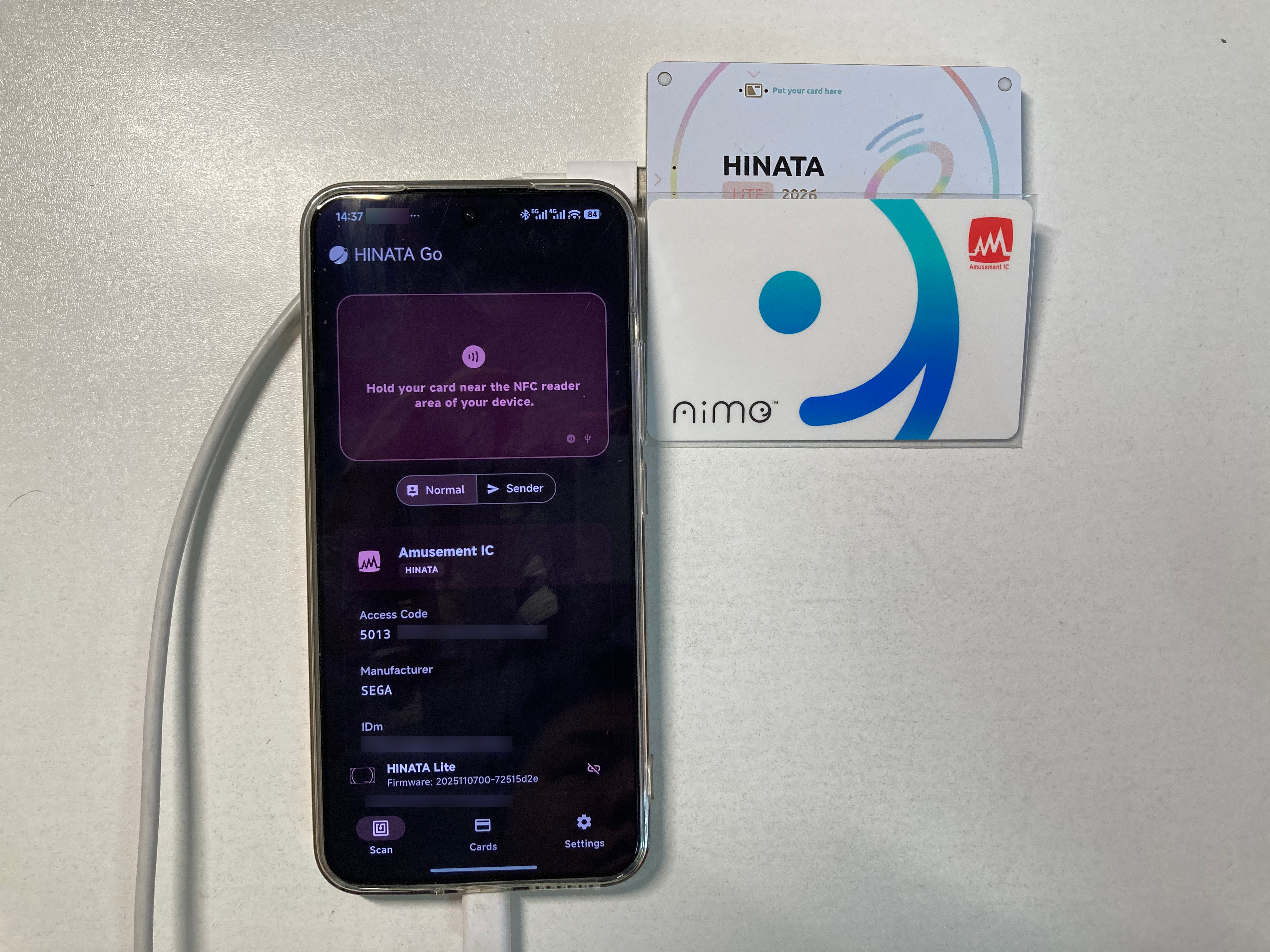
- Open HINATA Go
- Connect the card reader in HINATA Go and swipe a card to check whether the device is working normally
- If no abnormal behavior appears, you can start using it
- If you are using
HINATA Lite, please refer to the special instructions below
⚠️ HINATA Lite users: update your reader and HINATA IO
HINATA Lite previously required a copper foil sticker when reading some compatible cards. The new scanning process resolves this issue in software, so the sticker is no longer needed after updating.
Update the reader to the latest firmware and install the latest HINATA IO from the Download Center. HINATA Lite units shipped on or after August 15, 2026 will no longer include a copper foil sticker because it is no longer necessary.
(Optional) Write Aime Access Code to the Provided Blank Card
NOTE
This step is only applicable to the blank card included with the Standard Edition.
The blank card needs to have an Access Code written to it before it can be used in SEGA games. If you already have an Aime card, Bandai Namco Passport card, BANA PASSPORT card, or Amusement IC card, and do not plan to use the provided blank card, you can skip this step.
For instructions on writing, please refer to: HINATA Go - Write to Card. You can write cards using built-in NFC on an Android device or by connecting your HINATA reader to a PC/mobile device via HINATA Go.