Card Management
Switch to the Cards section to manage cards.
Folders
By default, there is 1 folder: Favorites
Plus History
Favorites is the default folder of the application, which can save cards or add cards for use.
History saves cards that have been scanned before for use.

Add Card
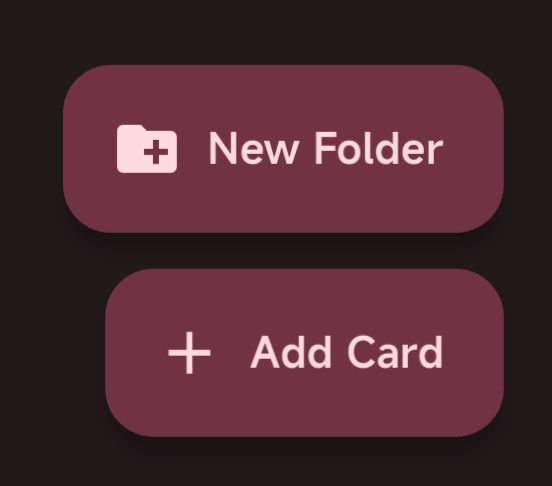
Click the Add Card button at the bottom right to enter the manual card addition interface.
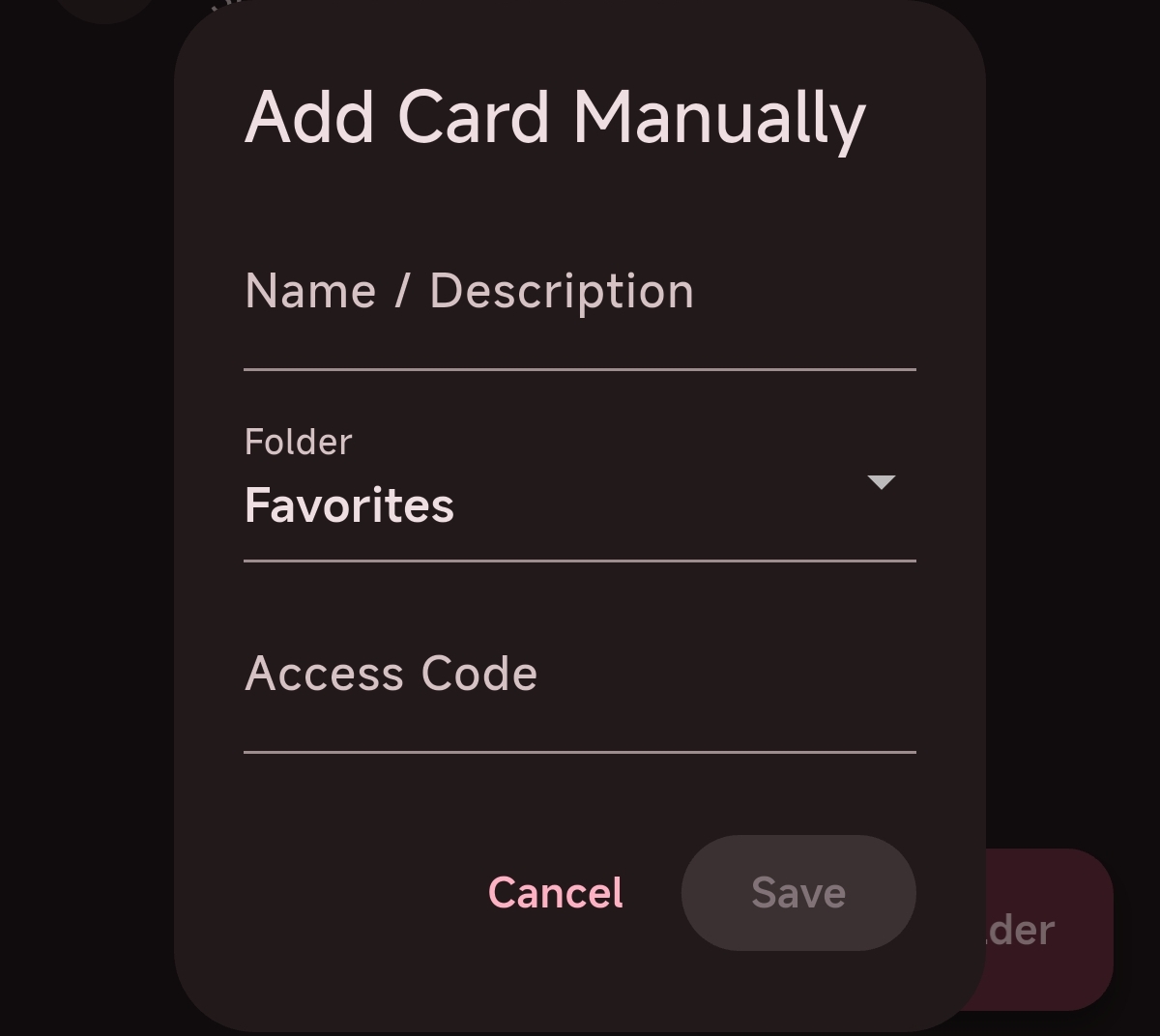
Access Code must be a 20-digit number not starting with 3