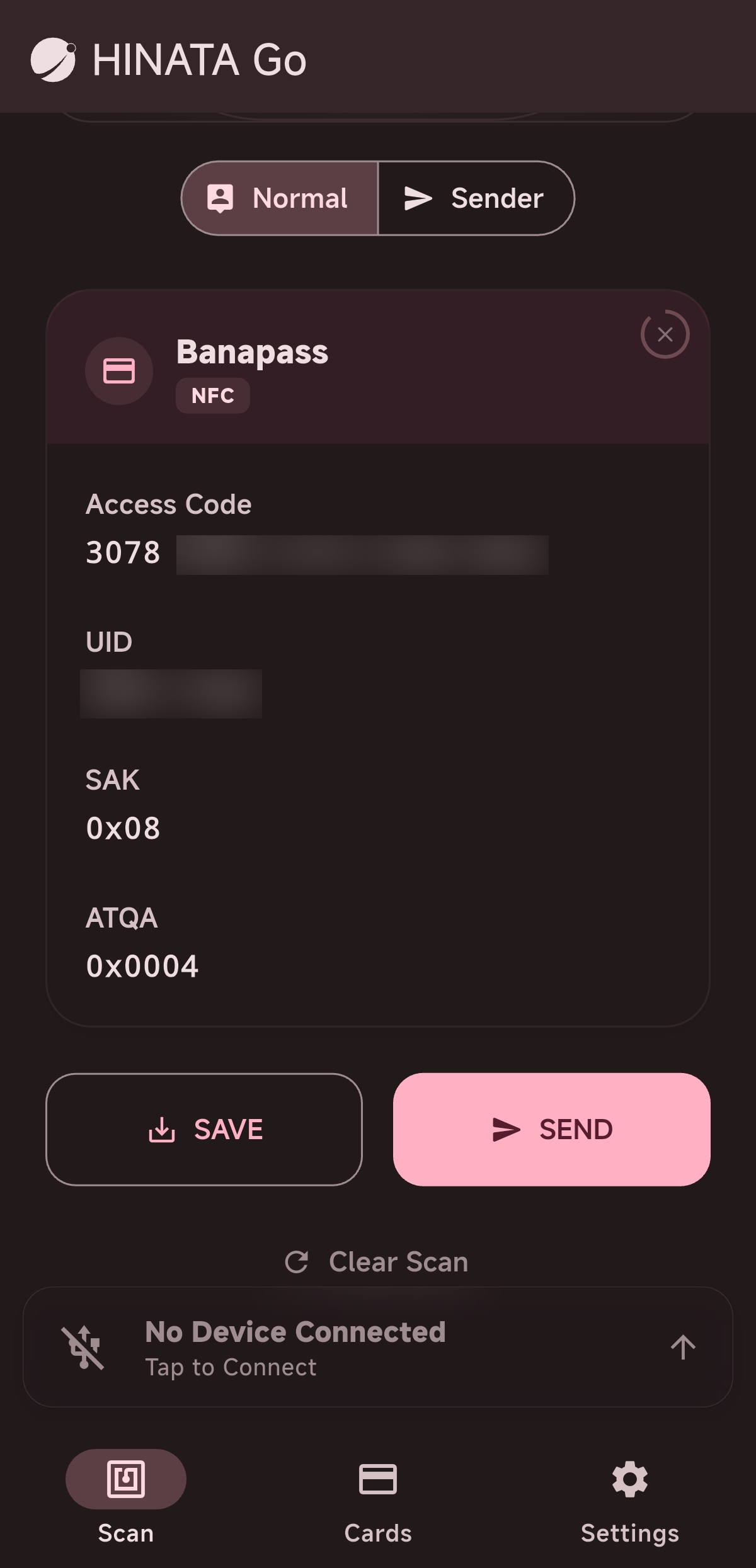
Card Information Viewer
Supported Card Types
Transit Cards
- Japanese Transit Cards (Suica, PASMO, etc.):View card balances, up to 20 recent transaction records (including transaction type, date, amount, and boarding/alighting station names resolved using the built-in database).
- China T-Union:View card numbers, balances, and up to 10 recent transaction records.
Arcade/Amusement Cards
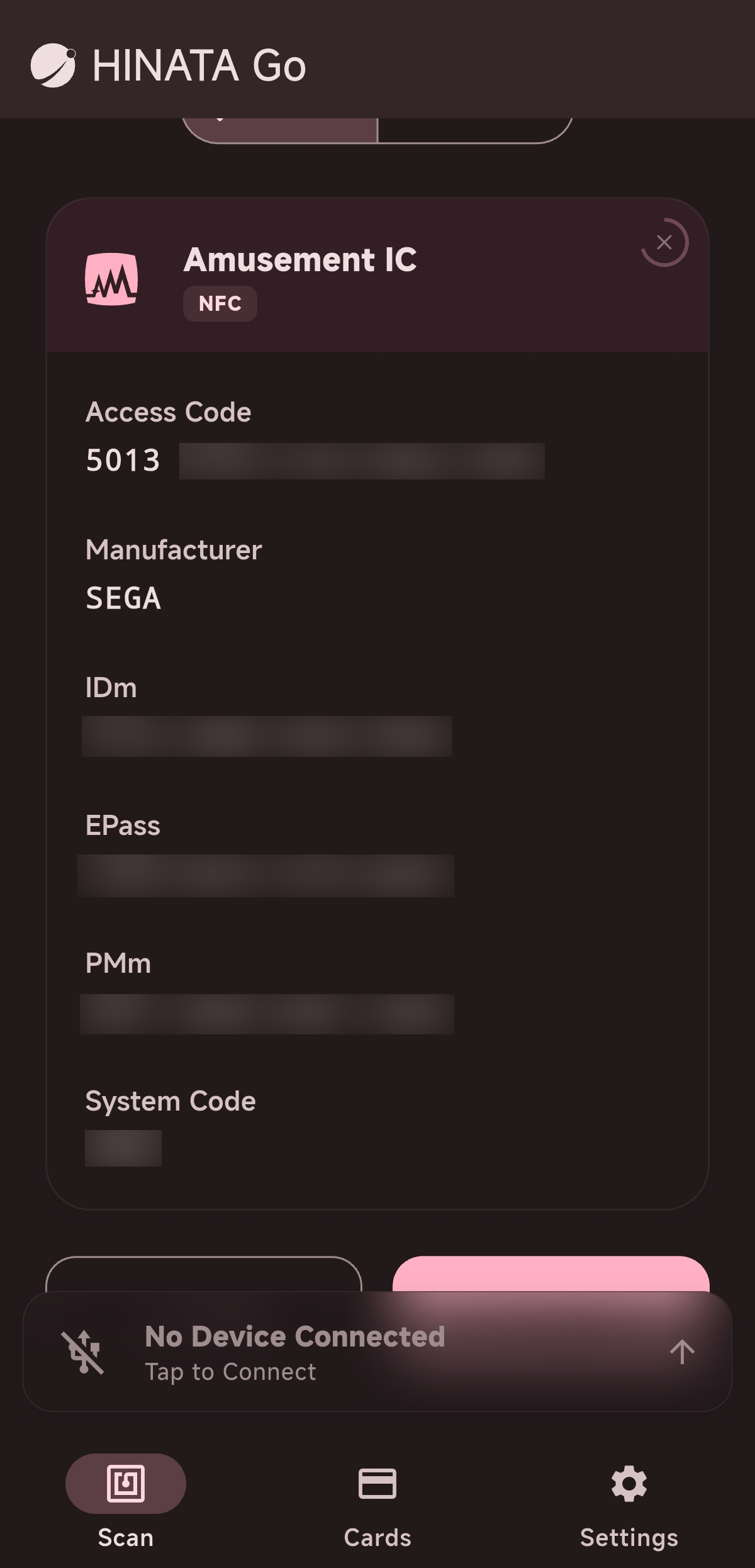
- Amusement IC:Identify card manufacturers, display Access Codes, and view in-game legitimacy status.
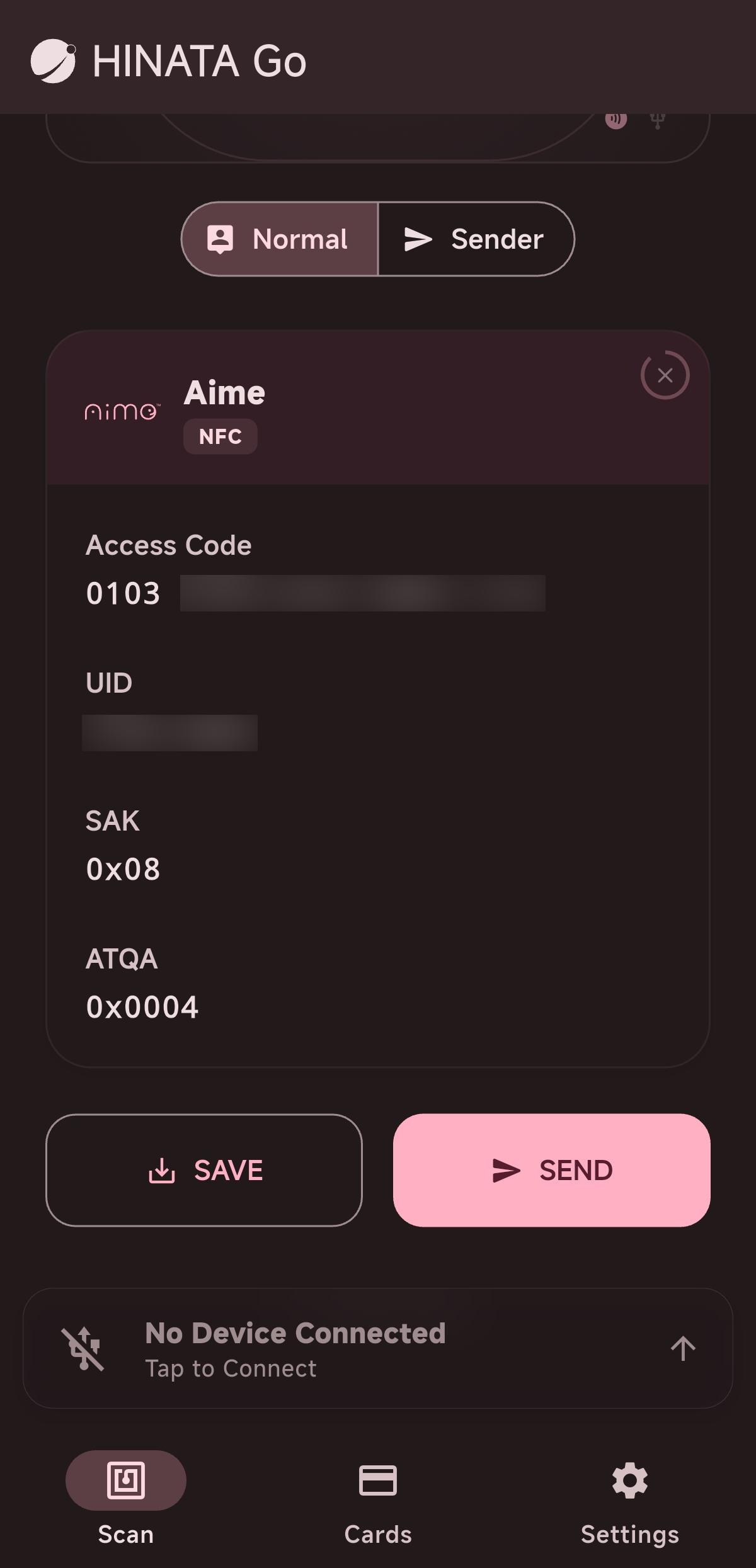
- Legacy Aime or Compatible Cards:Read Access Code and in-game legitimacy status.
- Legacy Banapass or Compatible Cards:Read Access Code.
- Legacy E-Amusement Pass:Konami in-game card number
Other Cards
- Any FeliCa Card:IDm, PMm, SystemCodes, Konami in-game card number, etc.
- Any ISO15693 Card:Konami in-game card number
How to Read
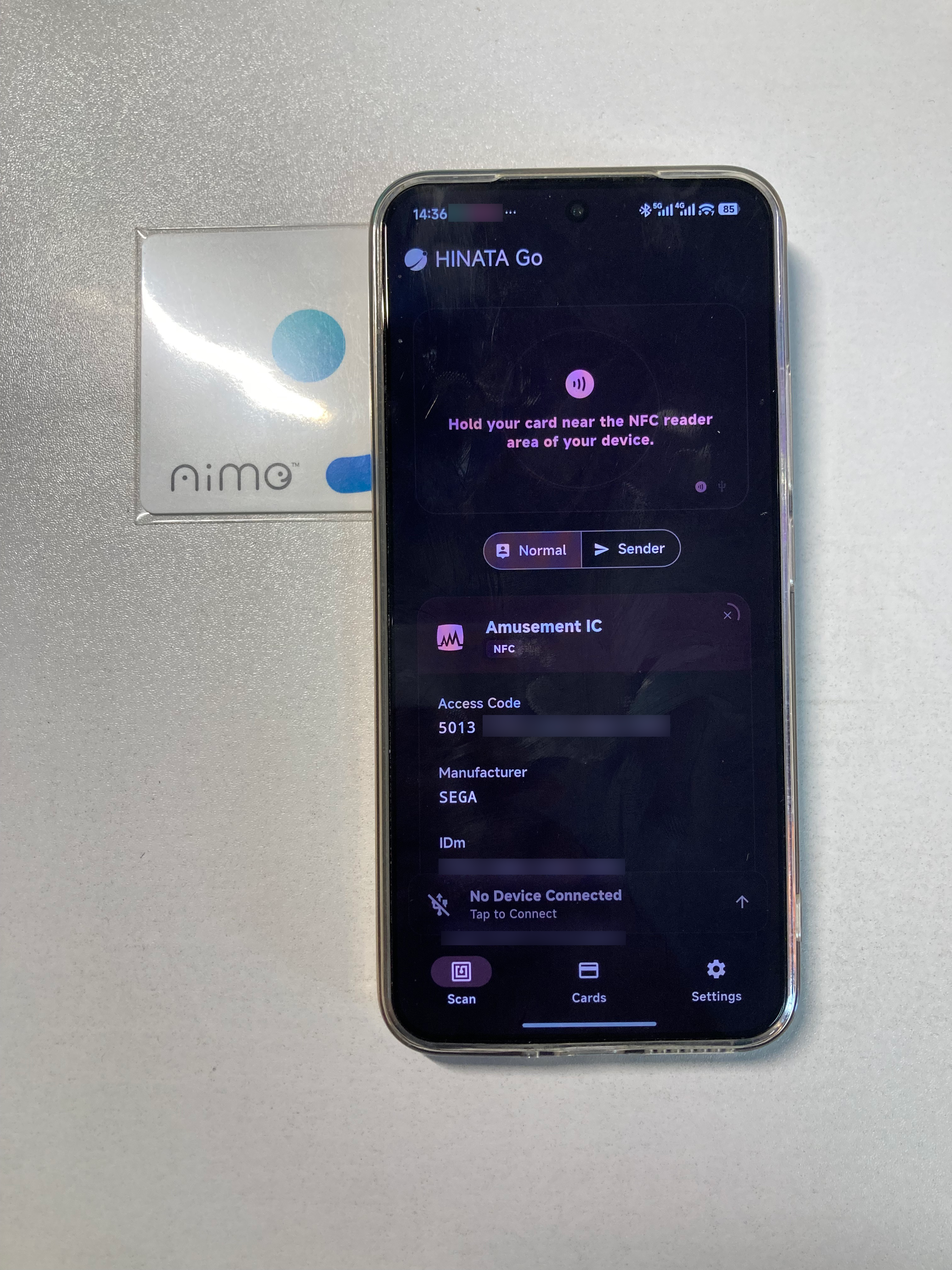
Place the card on the NFC recognition area of the mobile device to read the card information, as shown:
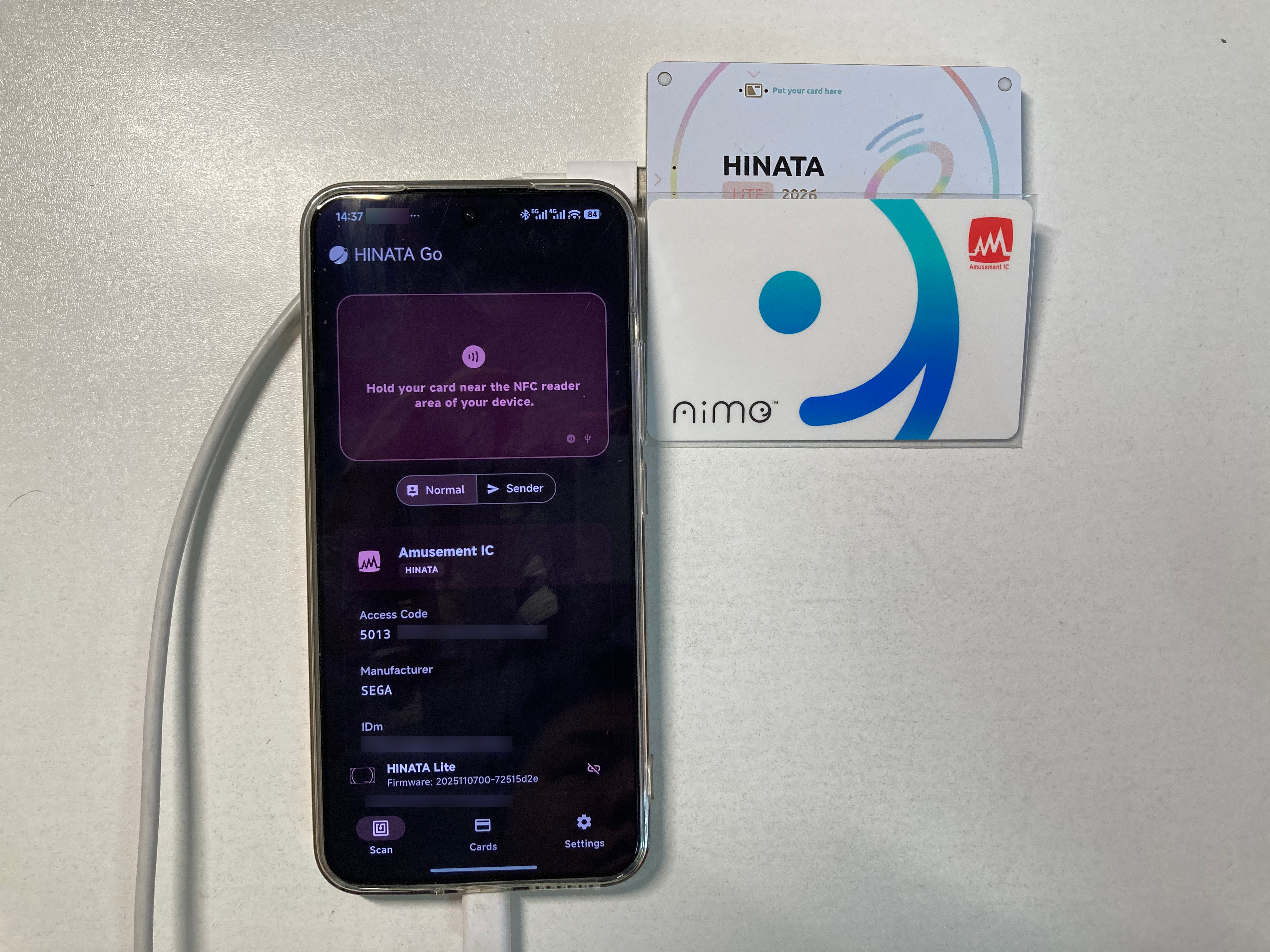
Or connect to the HINATA Card Reader for recognition, as shown:
Save Card
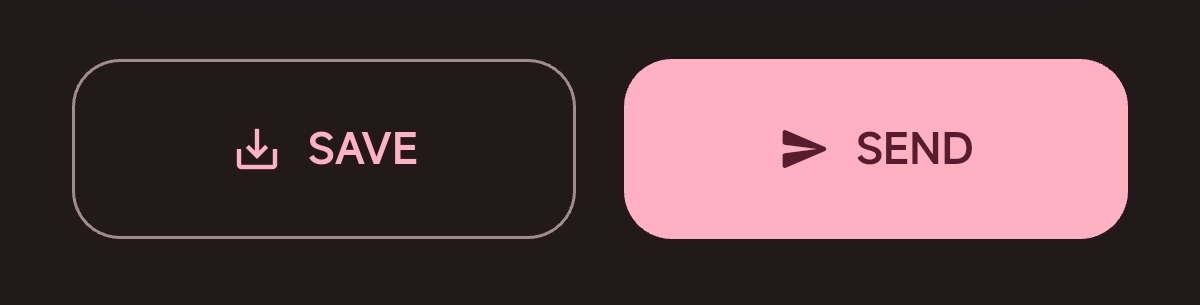
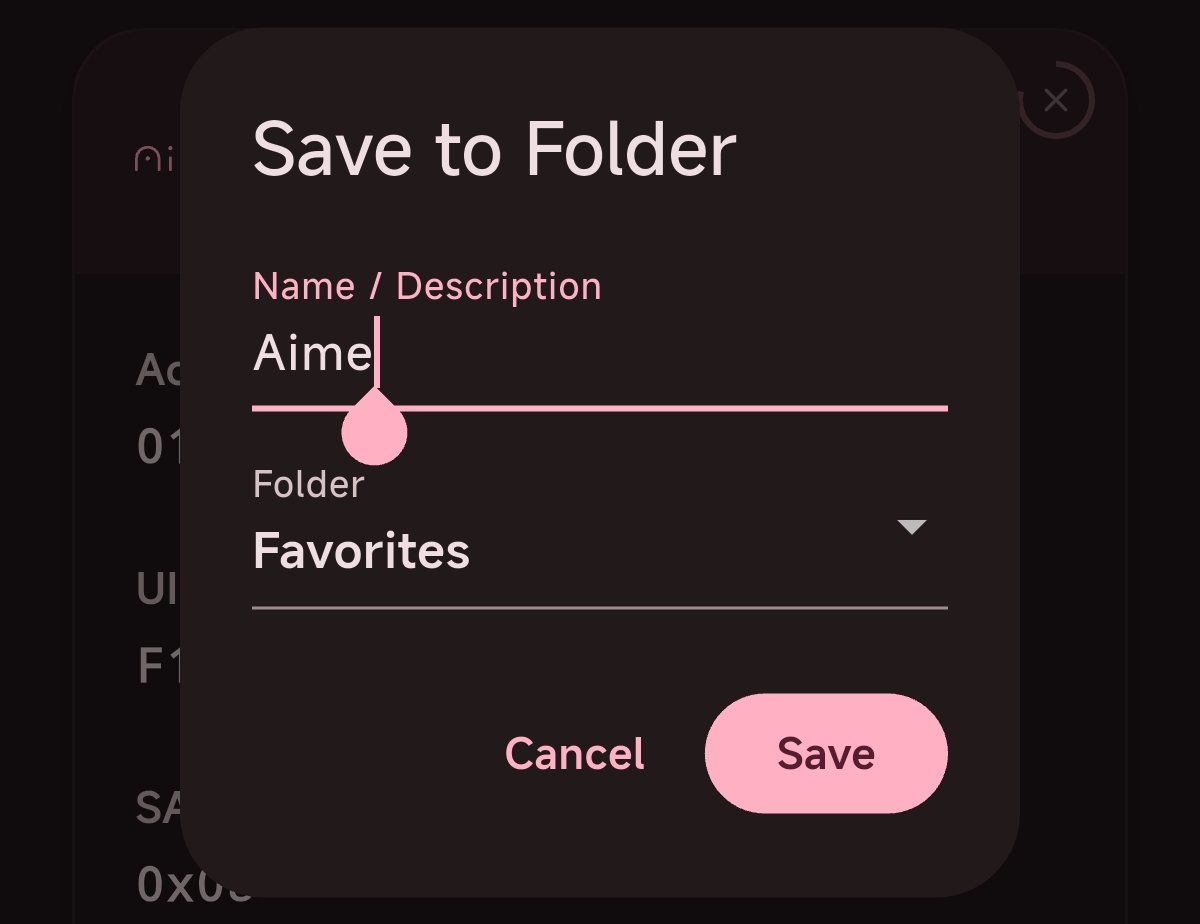
After swiping the card, slide down to see two buttons. Click the save button on the left and customize the name and folder to save.
Read Information
Suica / PASMO etc.
When reading Japanese transit cards, you can view:
- Balance (in JPY)
- Transaction History: includes transaction type (ride, shopping, adjustment, top-up, etc.), date, amount, and entry/exit station names (automatically resolved via the built-in Japanese station database).
China T-Union
When reading China T-Union cards, you can view:
- Card number
- Balance (in CNY)
- Transaction History: displays recent top-ups and deductions.
Amusement IC
Legacy Aime or Compatible Cards
Legacy Banapass or Compatible Cards