Configure SEGA Games Using HINATA Client (Recommended)
Download HINATA Client
Getting Started
After extraction, the following files should be present:
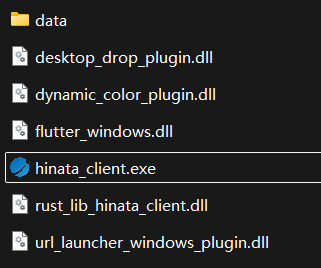
Double-click hinata_client.exe to open HINATA Client.
Configure Game
Follow the prompt to drag and drop or manually select the folder. This folder must contain
segatools.ini.Typically: The
binfolder for CHUNITHM, and thePackageorAMDaemonfolder for maimai.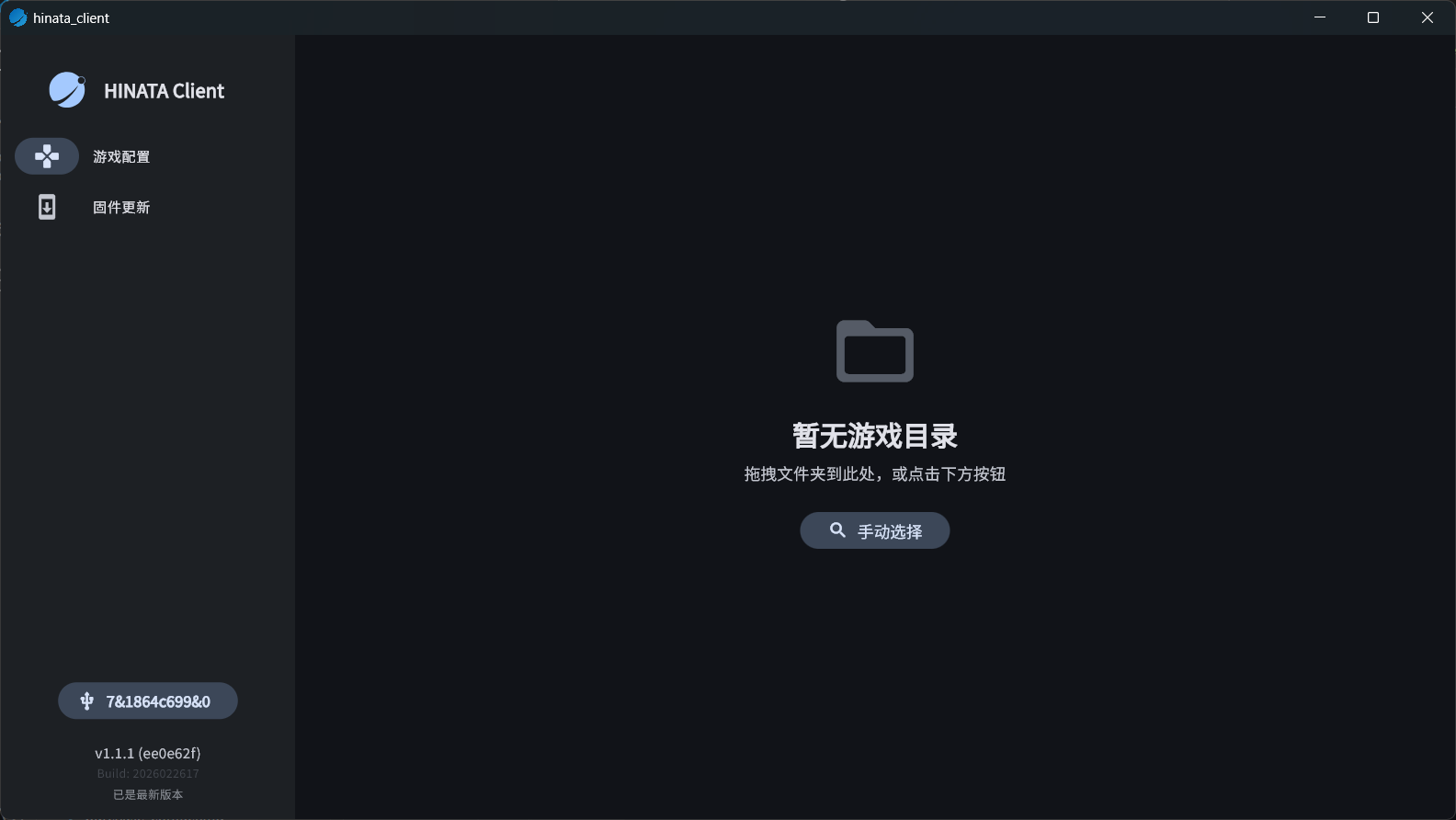
Follow the prompt to select the working mode. Selecting a mode will display its pros and cons, along with Optional Advanced Settings.
If you have no special requirements, please choose
AimeIO modeto ensure connection stability.When using
AimeIO mode, if you are not usingfufubot_segatools, please checkDeploy supported segatools. Otherwise, you will not be able to scan Banapass-compatible cards starting with card number3, includingLegacy BanapassandHikari IC.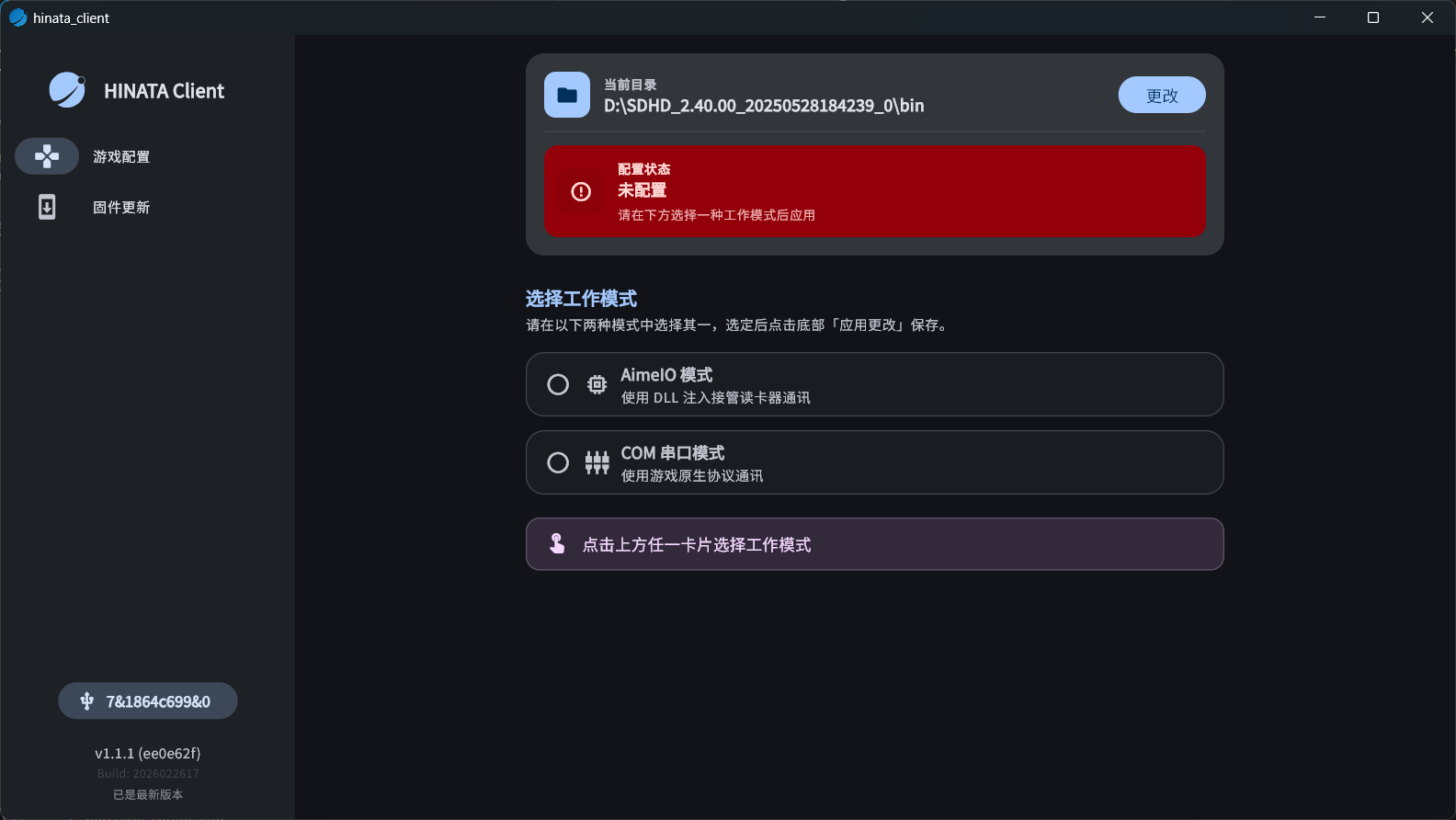
Click the
Apply Changesbutton to finish the setup, then you can start using the card reader.