AimeIO Extension Features
WARNING
Please do not add extension features arbitrarily. Ensure you actually need to use a specific extension feature before adding it.
TIP
Please place the added features under the [aimeio] entry as well.
Remote Card Swiping Feature
First, add the following under the [aimeio] entry:
; Remote card swiping feature, replace REPLACEME with your preferred string
; Example: wss://aime-ws.neri.moe/cerisebouquet
; It will work normally even without adding this line
serverUrl=wss://aime-ws.neri.moe/REPLACEME
Then, you can visit aime-portal.neri.moe to enter your card number and swipe your card remotely.
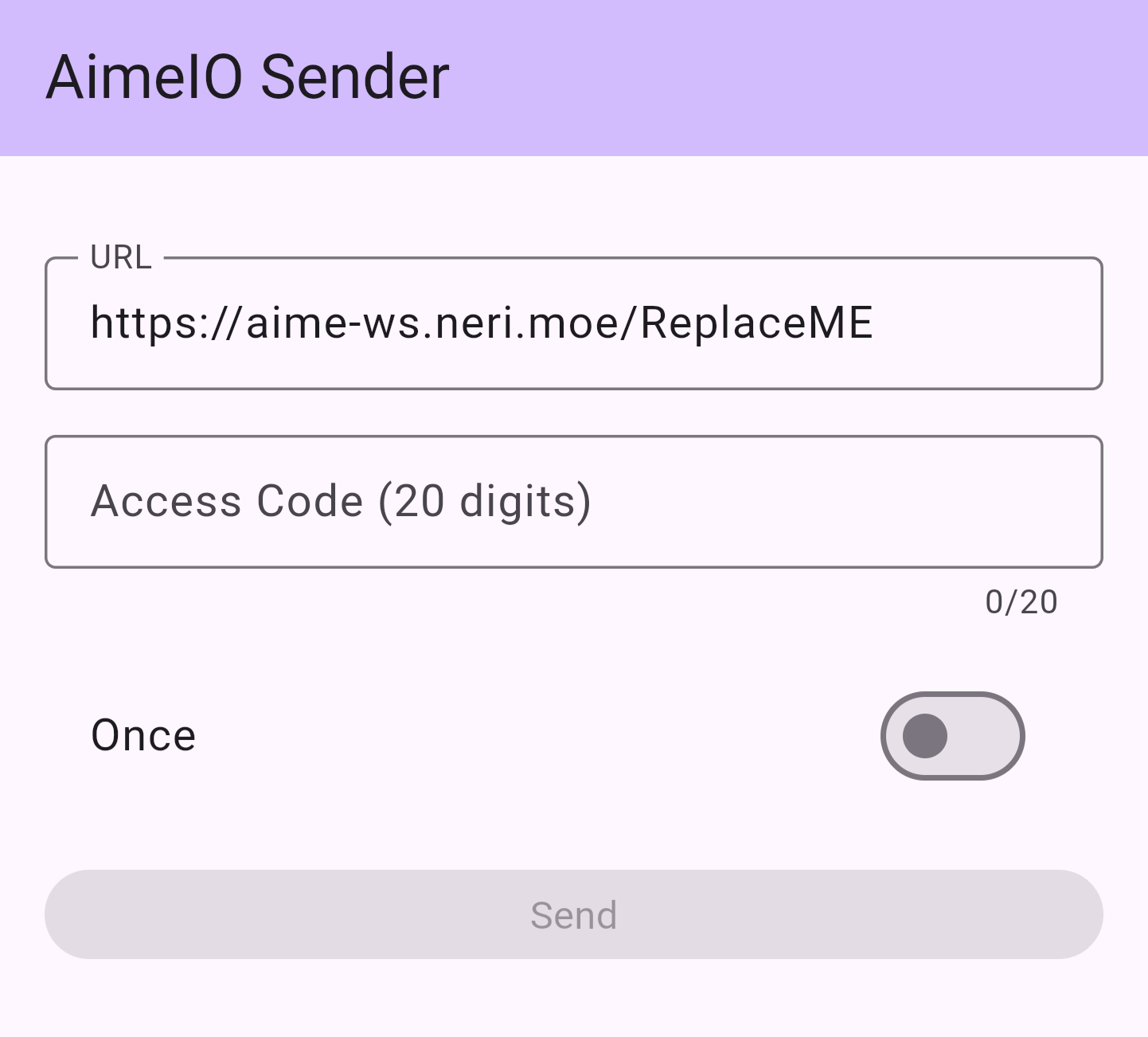
Change ReplaceME at the end of the URL bar to the string you used to replace REPLACEME in your segatools.ini, for example: https://aime-ws.neri.moe/cerisebouquet. Afterward, you can enter your 20-digit Access Code below and click the Send button to perform a remote swipe.
Mount and Use Other AimeIO Simultaneously
You can use certain controller's built-in card readers or other card readers/services that use AimeIO simultaneously while using HINATA.
; Mount other AimeIO to use simultaneously, such as amnet, mageki, yubideck (Da Shi)
; Please add and use this when necessary
; Use '|' as a separator to mount multiple dlls at the same time
dllMux=MU3Input.dll|amnet.dll